So you’re thinking..
“Almost 2 years to figure this camera out?!”
It’s WORTH it!!!
If you’re OVERWHELMED by the amount of options the Canon R6 has for auto focus.. I get it! It can be A LOT, but it’s also (in my opinion!) the best part of this camera!!
Touch & Drag
If you haven’t grasped the touch & drag feature, this could be holding you back! It allows you to drag the focus to anywhere on the screen, and the image will be consistently sharp. The R6 does not have weak or strong focus points, the WHOLE screen is a strong focus point!! Touch and drag is much quicker than the joystick and much more accurate as well. In the video you’ll see how I have this set up on my camera and some troubleshooting tips to help you with touch & drag!
Servo VS. One Shot
Another big transition from my Canon Mark IV is that I use Servo (continual shooting) WAY more than one shot mode! With my Mark IV, I was finding my focus FIRST and then recomposing, but now with the R6 I find my composition first and then move my focus to it.
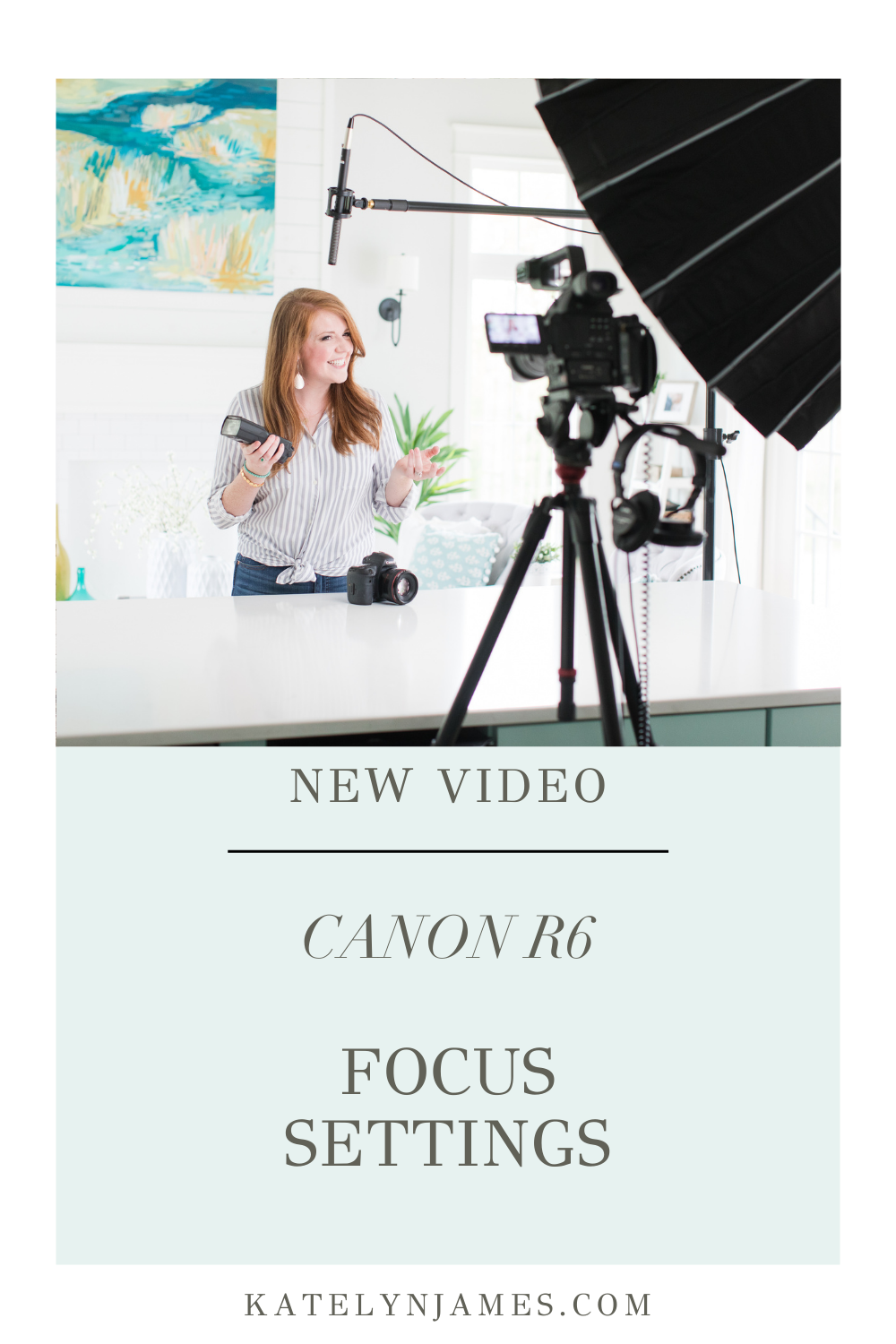
I’m covering more on my “touch and drag” settings, three custom buttons that are my must-have setting adjustments, how I’m utilizing eye-tracking during my shoots and more in the video!
I use these settings with my Canon R6 for weddings, portraits and taking photos of my family and am loving the results I’m getting! If you have recently switched to the R6 or thinking about making the jump.. this is for YOU!
PS. If this was helpful and you want to continue to grow and learn, try KJ ALL ACCESS for free!! Click here to join now!!!
Have you seen some of our most popular youtube episodes?
We release brand new Youtube episodes each week ranging from business topics, personal episodes, gear reviews, technical training and behind the scenes education! If you’ve never explored this part of our photography education, dive in now! It’s free!! Enjoy!